Crysis, Crytek’s flagship product, is the motivation for PC hardware upgrades all over the world and could be the most hyped DirectX 10 game of them all. However, Crysis has a special place in MTBS members’ hearts because Crytek developed Far Cry, a game regularly toasted for its stereoscopic 3D (S-3D) gaming success. Does Crysis add up to the hype in the S-3D world? Let’s find out!
[*] Crysis General Game Review
[*] Crysis Stereoscopic 3D Introduction
[*] iZ3D S-3D Findings
[*] NVIDIA S-3D Findings
[*] Conclusion
[/url]
Crysis General Game Review
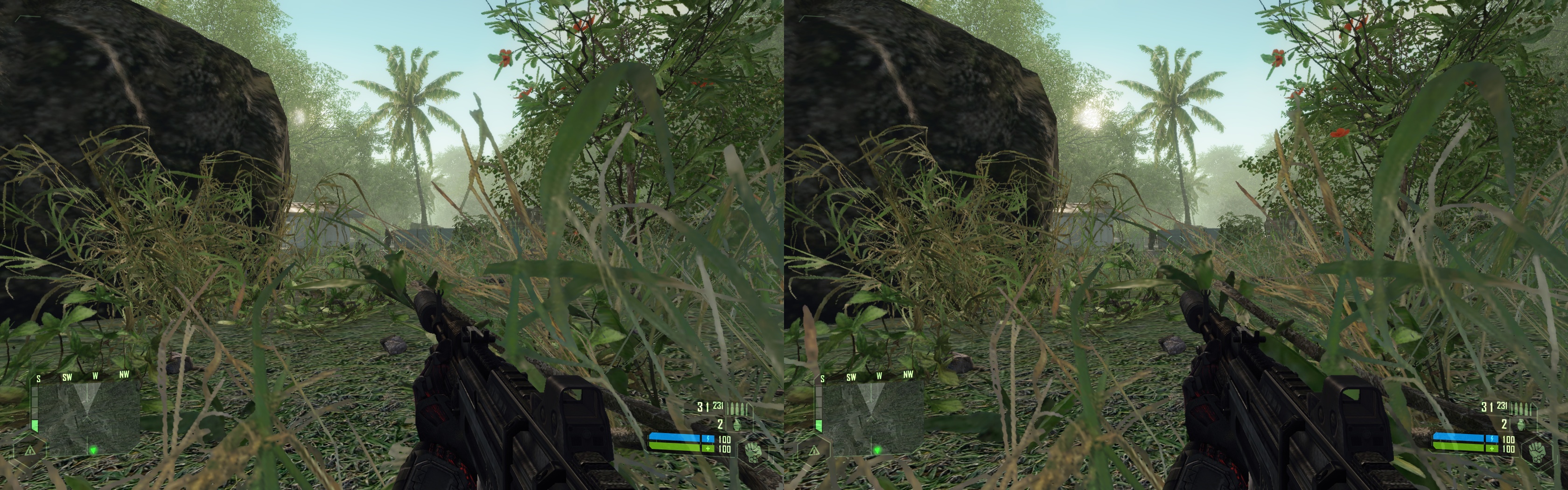
The first part of a trilogy, Crysis is a science fiction first person shooter that takes place on the Shinghan Islands in the Philippines Sea in the year 2020. A team of archaeologists have been captured by the North Korean Army, and you are sent in as a member of the United States Army Delta Force to rescue them and figure out what is going on.
iZ3D LLC 1.08 Drivers
Landing at night with the sun about the break over the horizon, the island is a deceiving paradise filled with an endless supply of palm trees, beaches, and colorful tropical fauna. Equipped with a Nano Muscle Suit, you are augmented with super human abilities. The default mode gives you maximum armor, and lets you absorb more damage and regenerate your health faster. For tough spots, you can have “maximum speed” for bursts of road runner velocities, “maximum strength” to hurl your enemies and objects all over the place, and a personal cloak that renders yourself invisible for a short time.
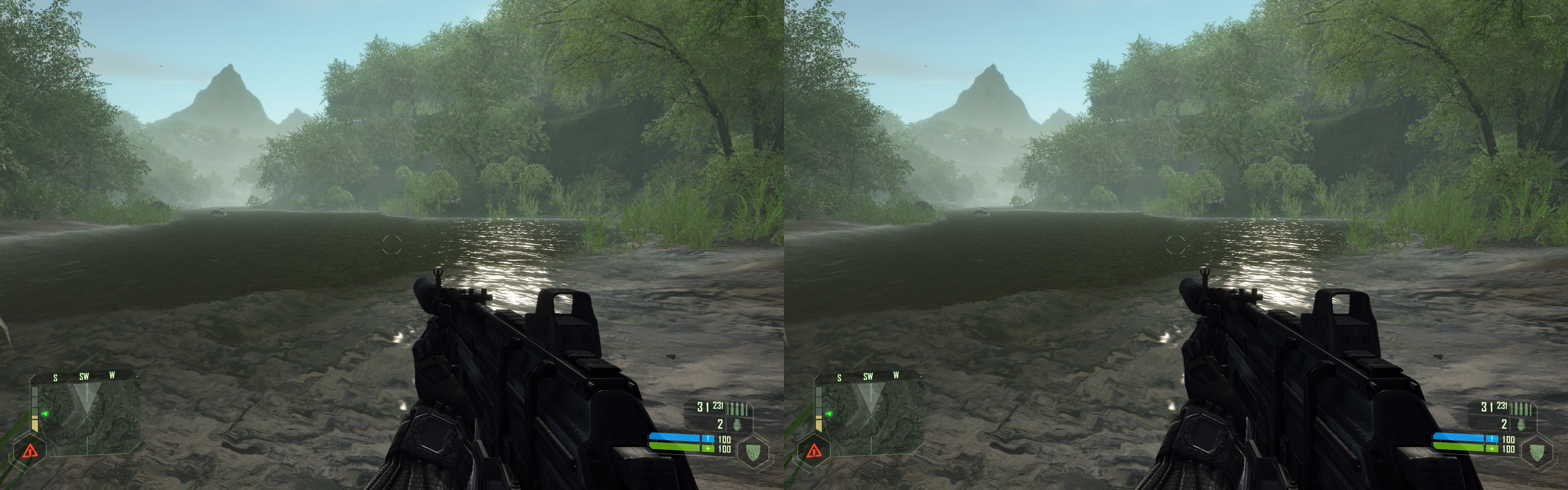
What makes the game work most is its huge outdoor landscapes that make Crysis seem less a series of levels and more an interactive and dynamic environment for you to explore. Deep tropical forests and North Korean army camps offer suspenseful entertainment to keep you interested. Unfortunately, it also suffers from too much of the same thing. Far Cry had an equal mix of indoor and outdoor environments, and throughout this game, I felt longing for more indoor experiences.
iZ3D LLC 1.08 Drivers
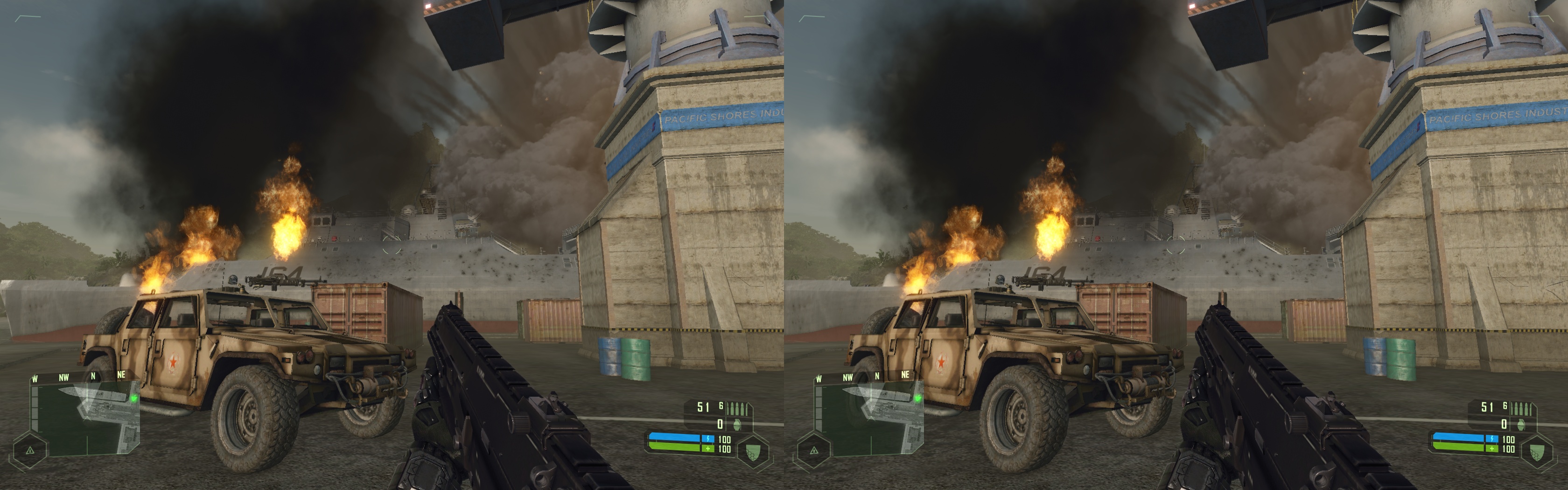
However, what Crysis lacks in more dynamic environments, it makes up for in destruction! Nearly everything can be smashed into pieces: trees that can get cut down with machinegun fire, throwing barrels at walls that crumble and cause buildings to collapse, and of course all the military stuff you get to blow up.
Your main enemy is the North Korean Army, and they are a sharp coordinated bunch in this game. For me, I found the difficulty to be too much too soon even on the first level. I’m a pretty good player, and I had to set the game to the easiest level to get through it! Be watchful because they have powerful weapons and know how to use them. A little trick I learned is that you can go into a trailer-type bunker that is mostly impervious to attack and pick your enemies off one by one as they try to get in.
iZ3D LLC 1.08 Drivers
How do you take your enemies out? With toys, of course! Sample weapons include pistols, shotguns, assault rifles, sniper rifles, grenades and rocket launchers, and a few more surprises. As you advance through the game, you will be able to enhance your selected weapon with special scopes and secondary options to make them more effective.
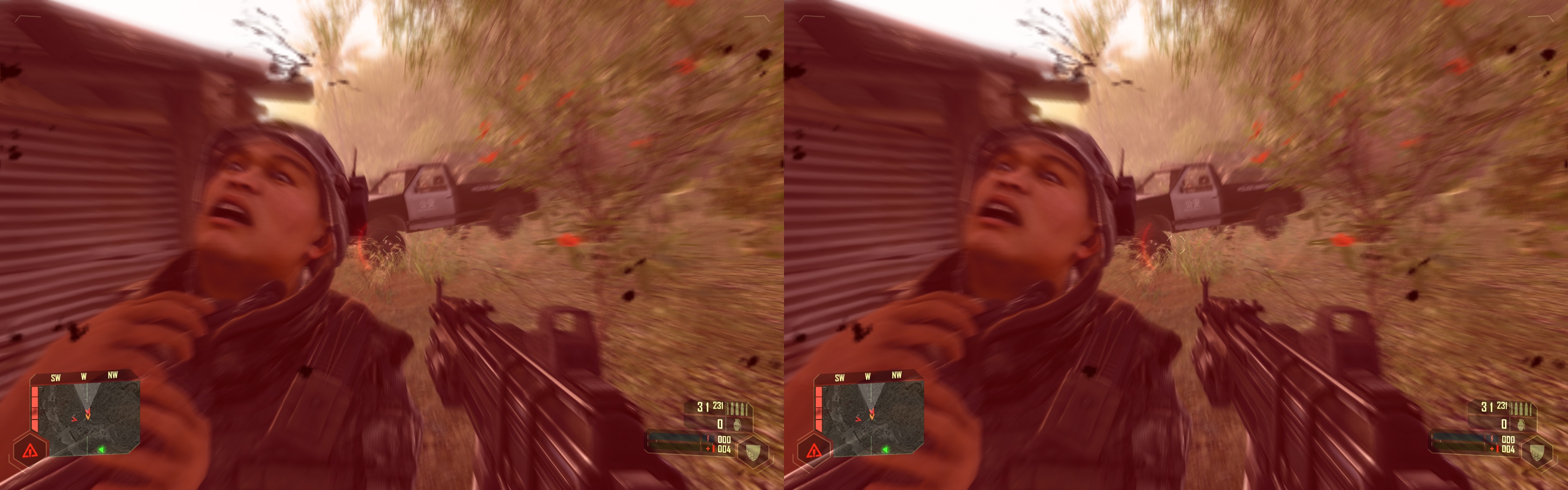
If you run out of ammo, don’t worry! You can pick up a trusty barrel, crate, or piece of junk lying around and throw it at your unsuspecting victim. If you want to be a little more daring, get close enough and grab your victim by the collar and throw him somewhere…maybe at another enemy?
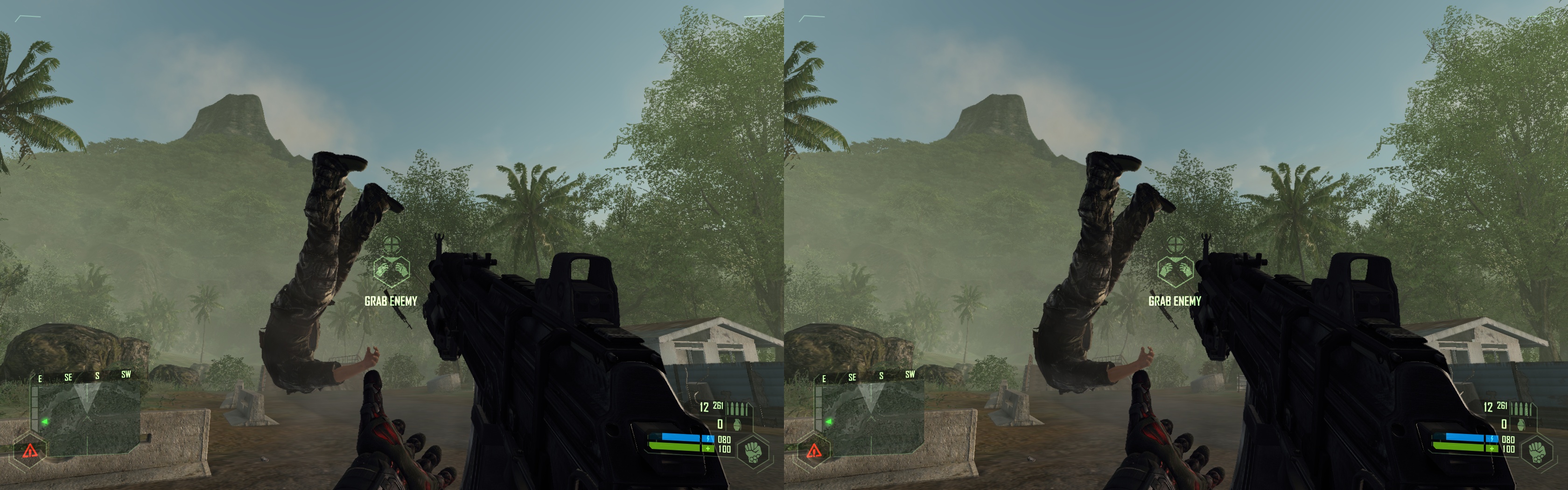
iZ3D LLC 1.08 Drivers
Similar to the Far Cry game, you get to drive an assortment of vehicles too. Gun toting Jeeps and boats mainly, but you will get to ride a tank and fancy shmancy helicopter later in the game.
What is the secret of the island that the North Korean Army is so interested in? I won’t spoil it for you. However, similar to other reviewers, I have to agree that the ending was a disappointment. The story and graphics worked, but the very last segment came across more as a rushed cop-out to get the title on the shelves than an equally interwoven part of the story.
Crysis has a multiplayer component as well. You have a choice of playing a traditional death match, or a more complex power struggle mode where two factions have to try and capture parts of the island and acquire new alien technology or nuclear power. According to Wikipedia, the power struggle matches can last as long as ten hours! I couldn’t really get into the multiplayer that much, but the graphics are equally impressive in both single and multiplayer modes for those that are interested.
[/url]
Crysis Stereoscopic 3D Introduction
Now! The moment you have all been waiting for! How is Crysis in stereoscopic 3D?
Well, it depends. There are two stereoscopic 3D driver camps. iZ3D LLC and the modern 177.83 stereoscopic 3D drivers by NVIDIA.
AMD has been kind enough to supply some hardware so MTBS can improve its testing equipment. The iZ3D LLC system specs include:
AMD Phenom X4 9850 Black Edition Quad Core Processor 2.5Ghz
Patriot Extreme Viper PC2-8500 4GB RAM
AMD 4850 GPU
Vista 32 Bit
iZ3D 22” Monitor
The NVIDIA camp is based on the follow specifications:
AMD Athlon 64X2 AM2, 4400+ 2.3Ghz
PC2-5300 4GB RAM
NVIDIA 8800GTS 512
Vista 32 Bit
Interlaced 22” Monitor
Let me say that the hardware is not an equal match-up hands down. So we won’t be unfairly criticizing the performance here. However, Crysis maxes out with two cores, RAM has not been demonstrated to add a significant performance benefit in gaming, and the monitor is interlaced which means it only renders 50% of the image to each eye, so S-3D should only add a marginal hit to performance.
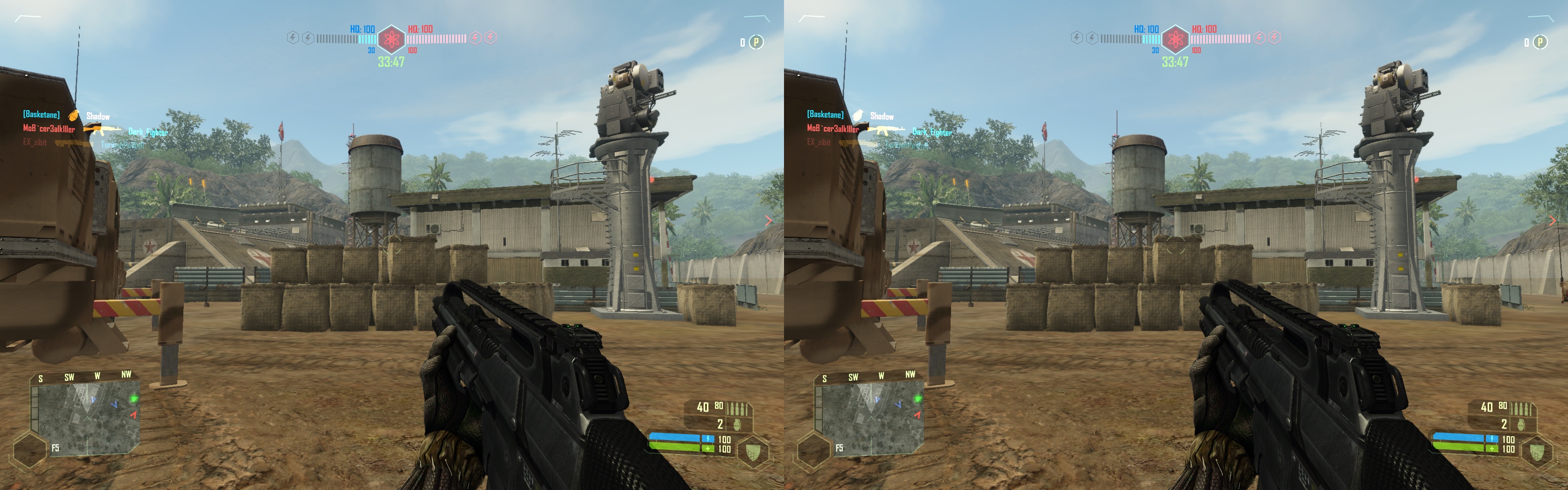
iZ3D LLC 1.08 Drivers
[/url]
iZ3D S-3D Findings
First, we tested with the 1.08 iZ3D drivers which are strictly DirectX 9 based. The reason this review is taking a much more head to head approach between AMD and NVIDIA is because the iZ3D drivers and Crysis seem to only work well with AMD cards! We will have to wait and see how the upcoming 1.09 iZ3D driver plays out, but if you are an NVIDIA GPU owner, you have greatly reduced chances in getting this title to work on iZ3D drivers.
There is a ray of hope, though. I was able to play with an 8800GTS 512 with the iZ3D drivers when I ran on earlier equipment based on an ASUS A8N SLI-SE Socket 939 Motherboard on an AMD 4600+ X2 CPU. The moment I upgraded – BOOM! No more NVIDIA support in Crysis. I’m guessing it’s something to do with how the CPU and GPU interact via the motherboard that made the difference.
Regardless, when it did work, the game was playable with overall medium settings in 1440 X 900 resolution. Make sure you have shadows set to “LOW” or you will have visual problems no matter what GPU you are using.
Once I plugged an AMD card in, everything worked no problem. If you are running a 3870 GPU, you can play the game with medium settings. If you have a 3870X2 or CrossFireX setup, expect it to behave like a single 3870 in Crysis because the iZ3D drivers have to be optimized for CrossFireX performance benefits.
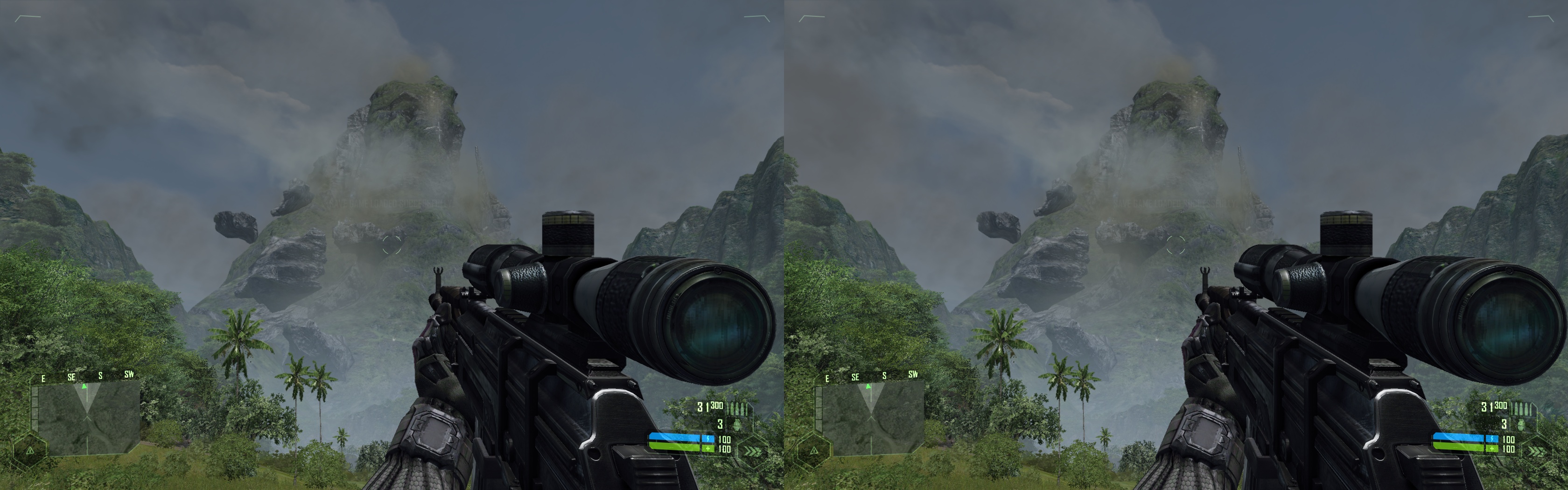
iZ3D LLC 1.08 Drivers
However, if you want to really see what this game is capable of, get yourself an AMD 4850 GPU. This baby rocks Crysis in S-3D with the iZ3D drivers and it’s dirt cheap compared to the GPUs we’ve been spending top dollar for up to now. I’m able to play at 1680X1050 with ALL settings on maximum with the exception of shadows. The only caveat is the iZ3D drivers do not support anti-aliasing with the AMD GPUs, but you wouldn’t have noticed unless I told you.
Crysis is a stellar success in stereoscopic 3D using the iZ3D drivers. You have complete flexibility for depth and pop-out effects, and there is nothing like running through the forests and having the foliage pierce the screen’s glass. As mentioned before, most of the game takes place outdoors, and when you do finally get to the indoor levels that I won’t describe here, you appreciate the S-3D experience that much more.
The guns and scopes are rendered very well because they don’t double inappropriately, the cross-hair is accurate, and I just can’t come up with anything that strikes me as being poorly rendered with the occasional reflection anomaly on the water surfaces found on beaches.
When I was running the 3870 GPUs, I did notice some speckled dots here and there that shouldn’t be on the screen, but this completely went away with the 4850 GPU, and I’d bet the upcoming 1.09 driver will fix this if indeed it was a driver problem.
Here is a bit of a twist for you. Normally, the iZ3D drivers perform at 50% or better performance efficiency compared to 2D gaming because two unique images need to be rendered to the screen at one time. Crysis was performing at no more than 35% to 40% efficiency with the iZ3D drivers on all tested GPUs. I’m surprised I was able to play the game in S-3D at such a low efficiency rating without realizing it until later.
However, I’m told 1.09 has been further optimized and Crysis will display a significant performance improvement. It will be interesting to see how performance improves for the 3870 GPUs as well.
Finally, if you plan on playing multiplayer Crysis, you will have to stick with non-PunkBuster servers because they falsely declare iZ3D drivers as a cheat.
[/url]
NVIDIA S-3D Findings
The NVIDIA side has the advantage of being both DirectX 9 and 10 compatible. Unlike the iZ3D/AMD driver option, you can also play the game with anti-aliasing on with the current NVIDIA S-3D drivers. The drivers also feature a dynamic game crosshair that self adjusts according to what you are aiming at and your character’s distance from the object. If you want to play multiplayer, the NVIDIA drivers are PunkBuster compatible. However, I’m afraid that this is where the advantages end.
Let me begin by saying that Crysis on the NVIDIA drivers is not representative of what their solution is capable of. I’m only discussing it here because they recognize the game in their driver profile.
To get the game to run, you have to reduce the shadows setting to “LOW”, reduce the shaders and post processing effects to “MEDIUM” or lower, and turn the blur effects completely off.
If you want to achieve a combined depth and pop-out experience, you won’t find it here because the NVIDIA stereoscopic 3D experience is riddled with anomalies. The guns render well, but the scopes are all way off the mark with uncomfortable separation. There is a discolored outline around the trees when the background is the surrounding water, and when you look in the distance, the left/right polarity will reverse itself!
At best, you can work for a depth only experience, but remaining sore thumb elements include fire, light, and smoke effects that are rendered in mono or at screen depth instead of the same locations as the objects they are attached to. This just didn’t work for me.
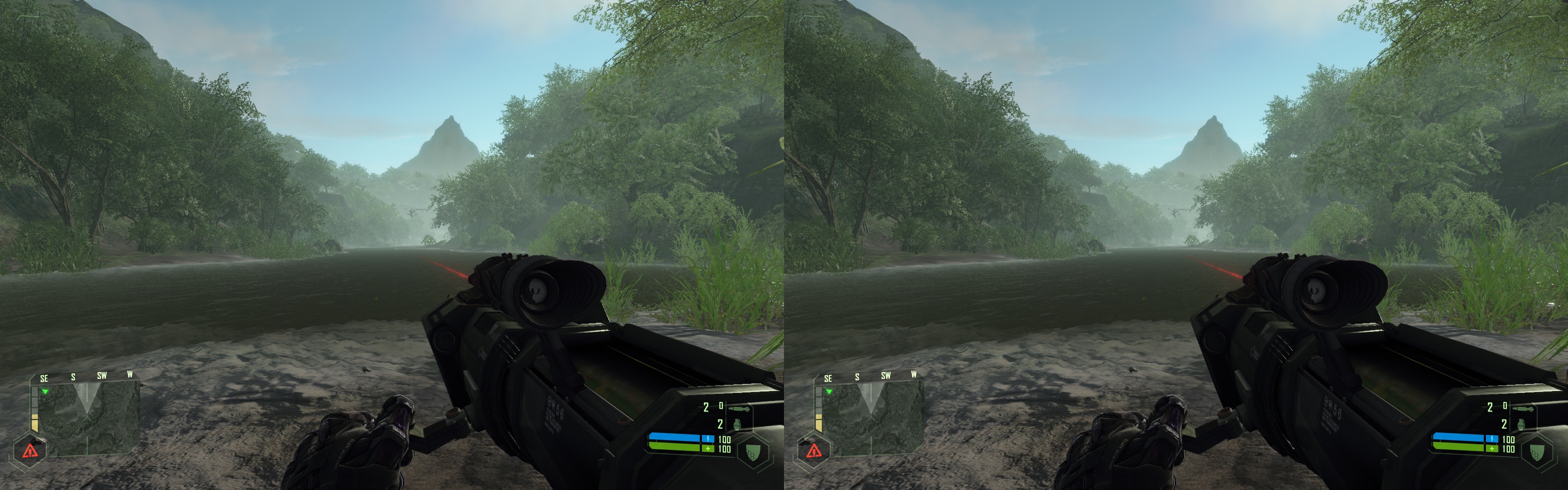
iZ3D LLC 1.08 Drivers
I’m certain the NVIDIA drivers are capable of more on the performance front too. In DX 10 mode, the NVIDIA drivers perform at 61% efficiency compared to 2D mode, and in DX 9, they increase slightly to 68%. On the surface, this sounds great – but if you figure that the images are interlaced and represent the same amount of data as a traditional 2D image, this is very disappointing.
That said, it would be inappropriate for me to give it a score with all its game specific caveats, and will give it a TBD rating until further notice. With NVIDIA back on its game in the S-3D world, I’m confident we will see further improvements. If fellow modern NVIDIA users are getting better results than me, please post them in the related forum thread so we can compare settings and results. When future updates or findings rectify these issues, we will be happy to upgrade our rating.
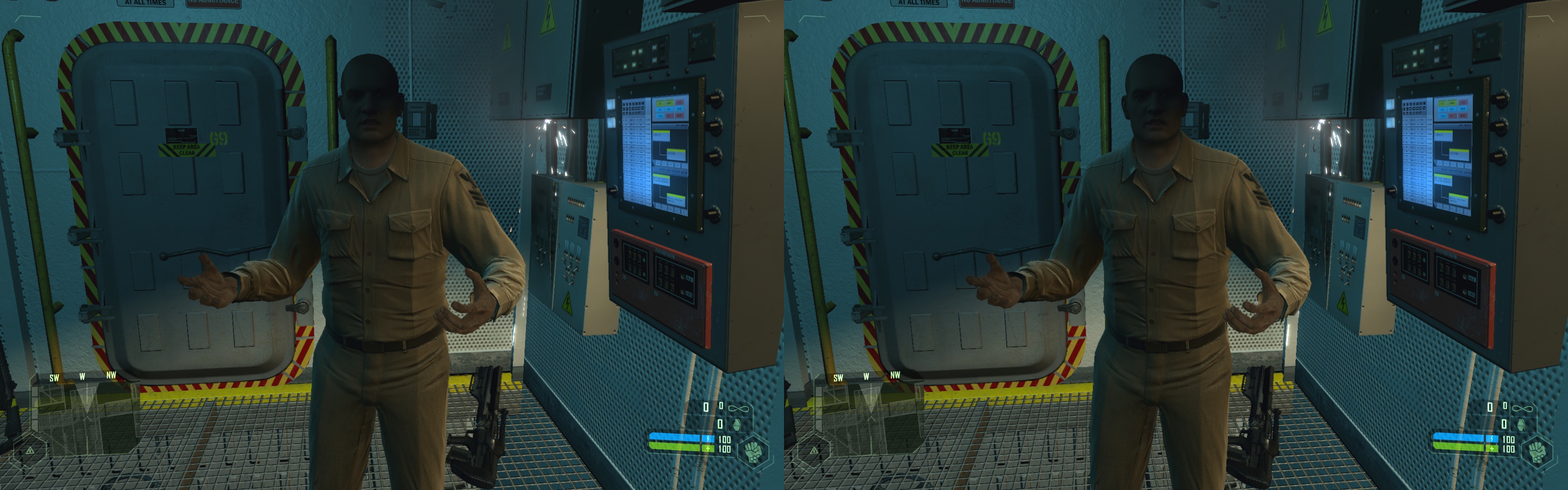
iZ3D LLC 1.08 Drivers
[/url]
Conclusion
Crysis is a must have stereoscopic 3D gaming experience if you have the right mix of hardware and software to run it. We strongly recommend playing with an AMD 4850 or better GPU with the iZ3D driver solution for best results, though AMD 3870 GPUs should still give you a playable experience. There is also a possibility that your NVIDIA GPU will work with Crysis and the iZ3D drivers, but there is no way to accurately predict this.
Also, the Crysis Warhead expansion is expected this fall. What makes this add-on important is it has been optimized to work with more moderate performing GPU hardware, which should equally translate into a smoother S-3D experience.
Officially, the NVIDIA stereo drivers also support Crysis, but I don’t think this title is a good working sample of what their drivers are capable of - at least not yet.
Be sure to post your thoughts on this game and review HERE[/b]!
Game Play
8/10
Sound
8/10
Presentation
8.5/10
Immersive Nature
8.5/10
How Memorable Is This Game
8/10
Stereoscopic Effectiveness iZ3D
9.5/10
Stereoscopic Effectiveness NVIDIA
TBD
iZ3D Overall Rating:
8.42/10
NVIDIA Overall Rating:
TBD
Read full article...